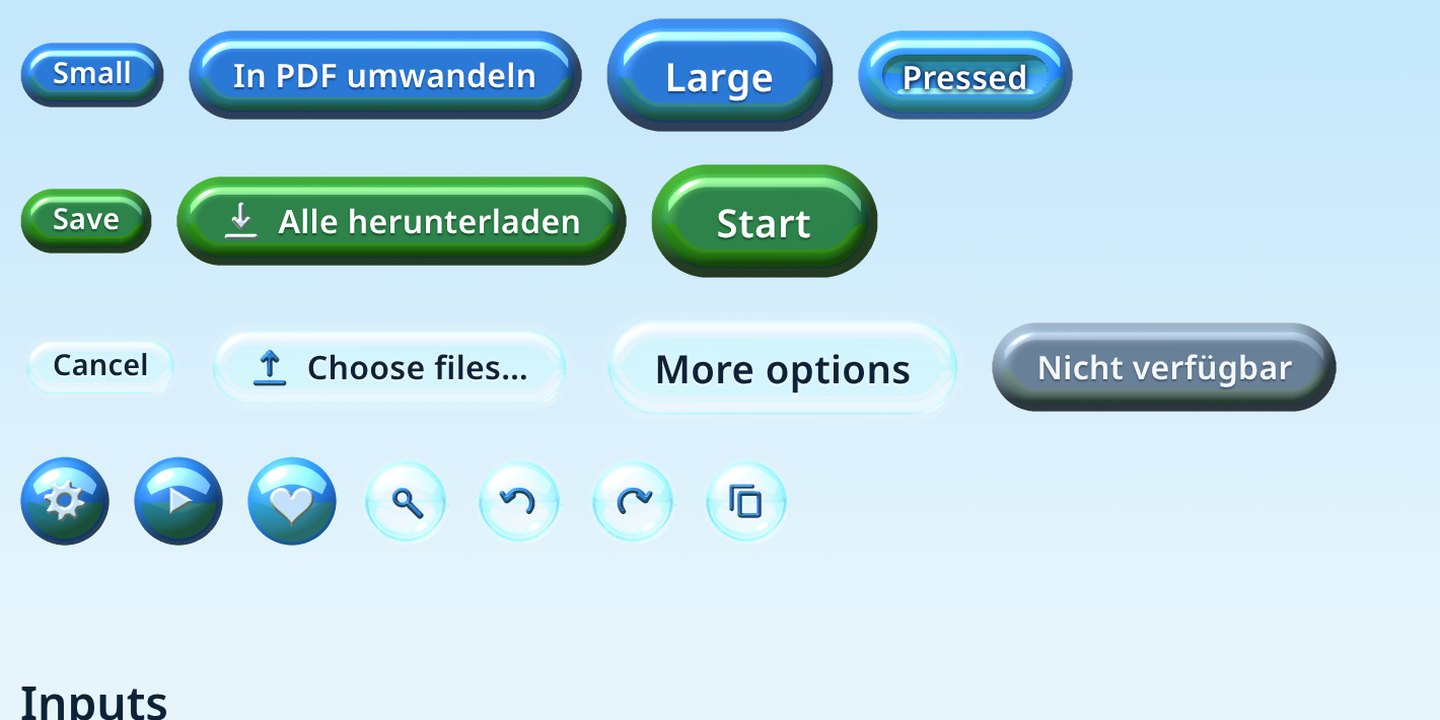
Every button here was rendered in Bryce 2
Software used to look like glass and water. Aerolith brings that look to the web. I built each button, field and pane as a small 3D scene in Bryce, the landscape renderer from 1996, with a sunny meadow behind the camera. Look closely and you'll find sky in the top half of every button and grass along its lower edge. Underneath it's plain HTML, so forms, keyboards and screen readers work like they always did.
Inputs
Under each skin is the browser's own control, so typing, autofill and keyboard focus behave as usual. Fields are pressed into the surface like a shallow well. Whatever you select lights up in aqua.
Choice cards and drop zone
Feedback
Progress is liquid filling a glass tube. Badges are small gems. The spinner is eight separate renders, one per frame, so the sun stays where it is while the orbs go round.
Surfaces
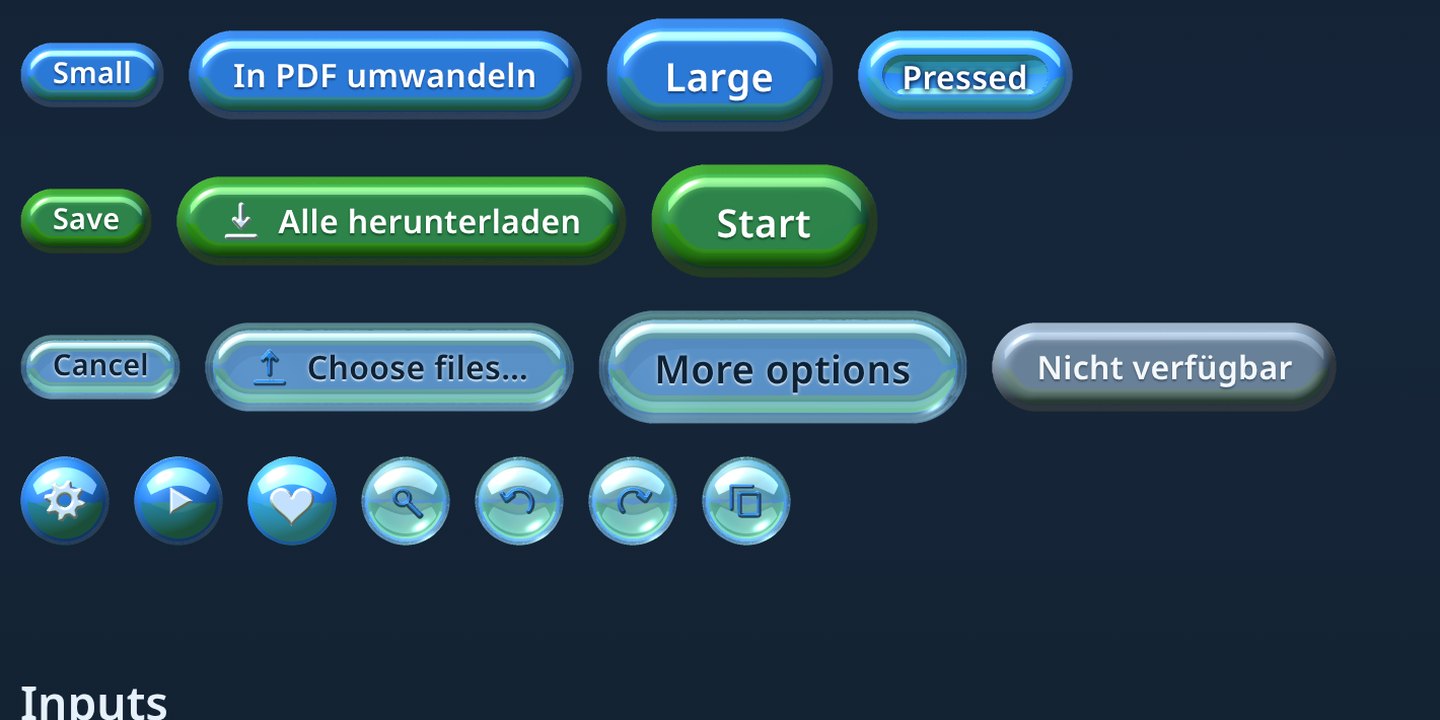
Glass is frosted on a light page and smoked on a dark one, so Bryce rendered every pane for both. In Chrome and Edge the clear lens also bends whatever is behind its rim. Follow a stripe as it crosses the rim and you'll see it kink.
Panel
Big frosted pane for grouping a tool's settings.
Before / after
Icons
35 icons, each drawn as a height map and pressed into a Bryce lattice like a stamp into wax. Aqua icons stand on their own, pearl ones sit on coloured buttons. The 16 px set is its own render, not the 24 px set scaled down.
heartheart-outlineclosemenuarrow-leftarrow-rightchevron-downswapplayhelpinfoerrorwarninggearundoredoplusminusfitsearchdownloaduploadcopycheckfilepdftextimagecodeclockcolourpinlocksunmoon